Alpha
PCI-MINI
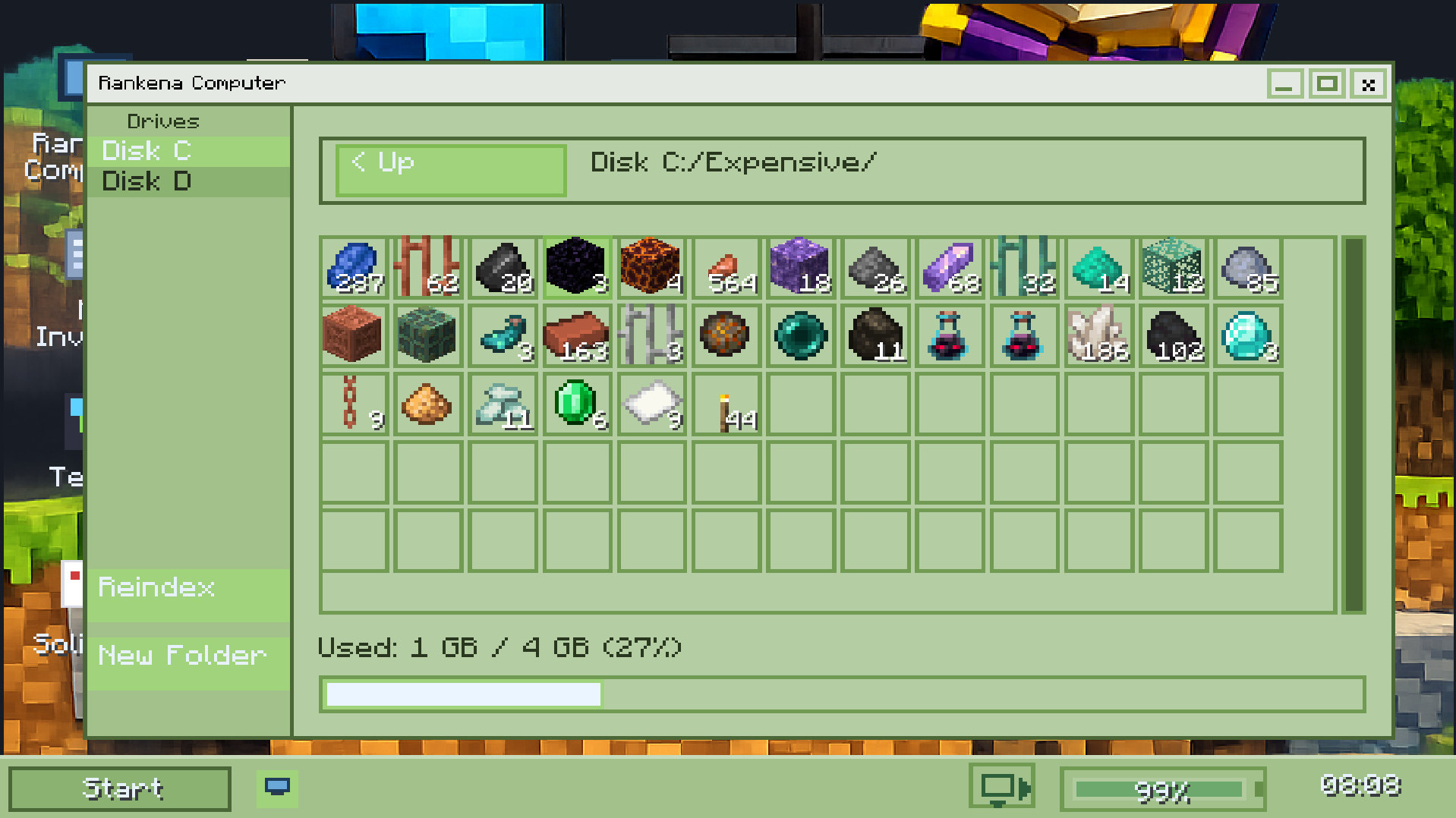
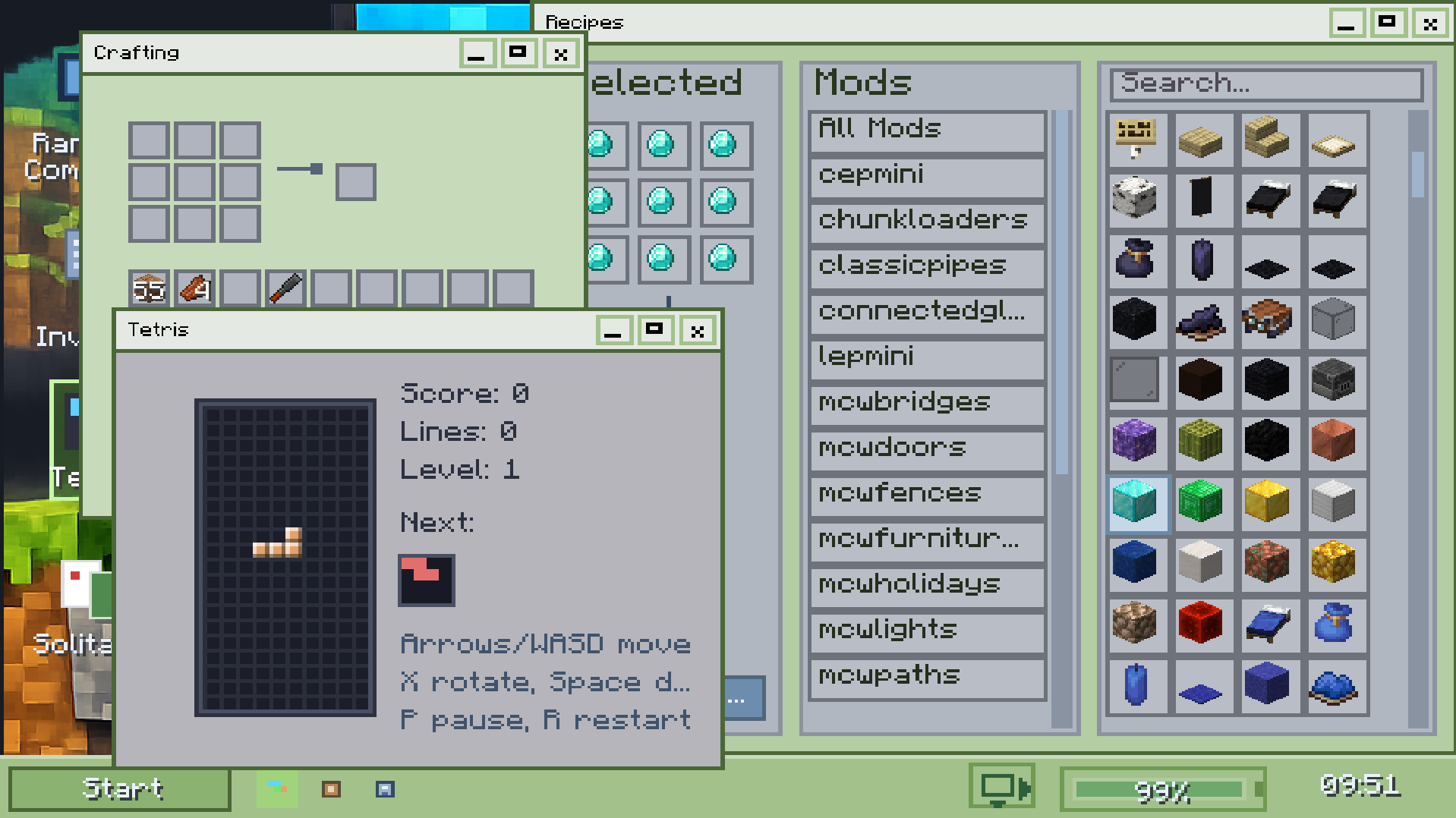
A complete in-world computer ecosystem including storage systems, energy logic, modular hardware blocks, and a desktop-style McOS interface.
Core Features
What this mod focuses on
Computer ecosystem
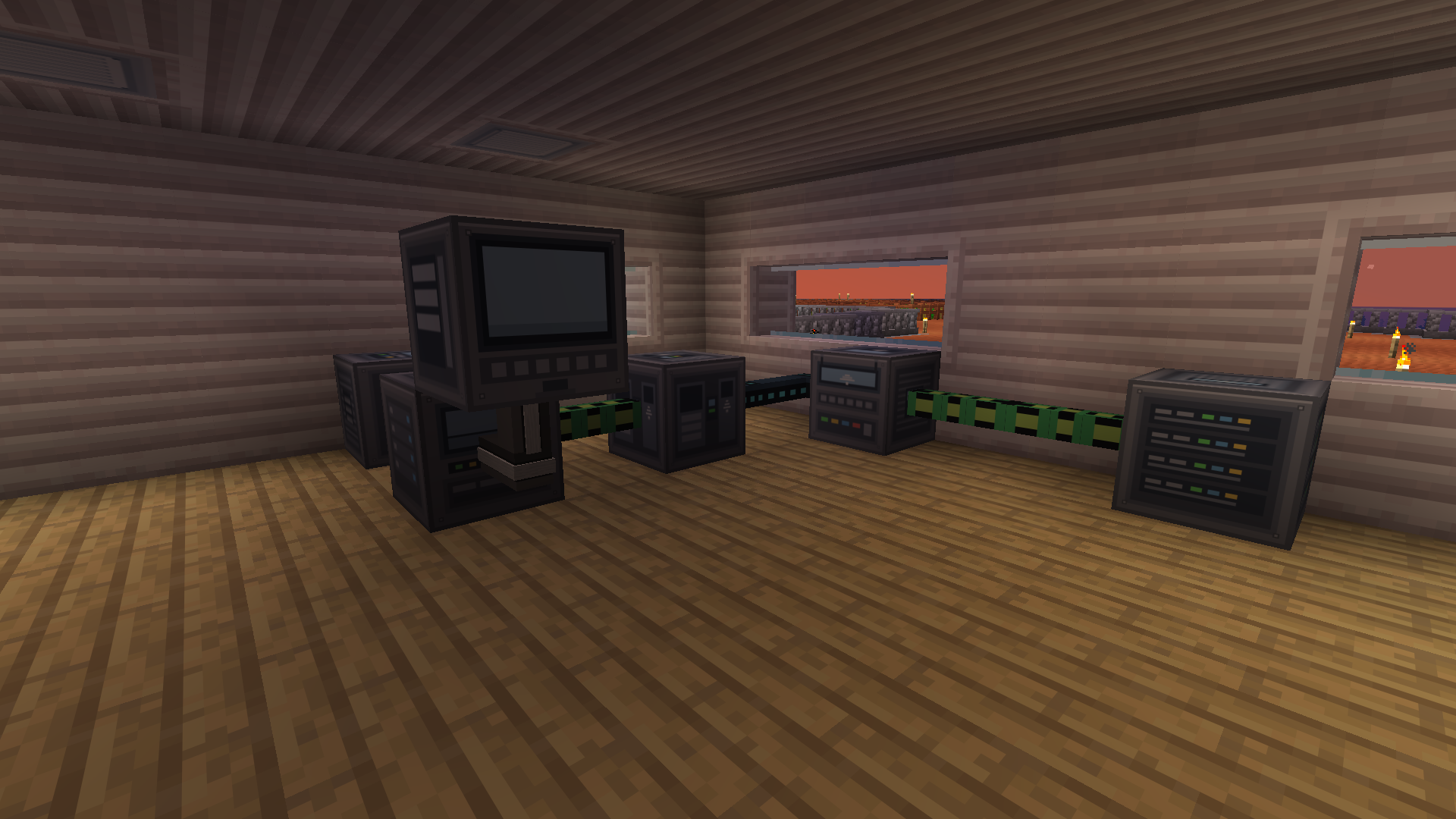
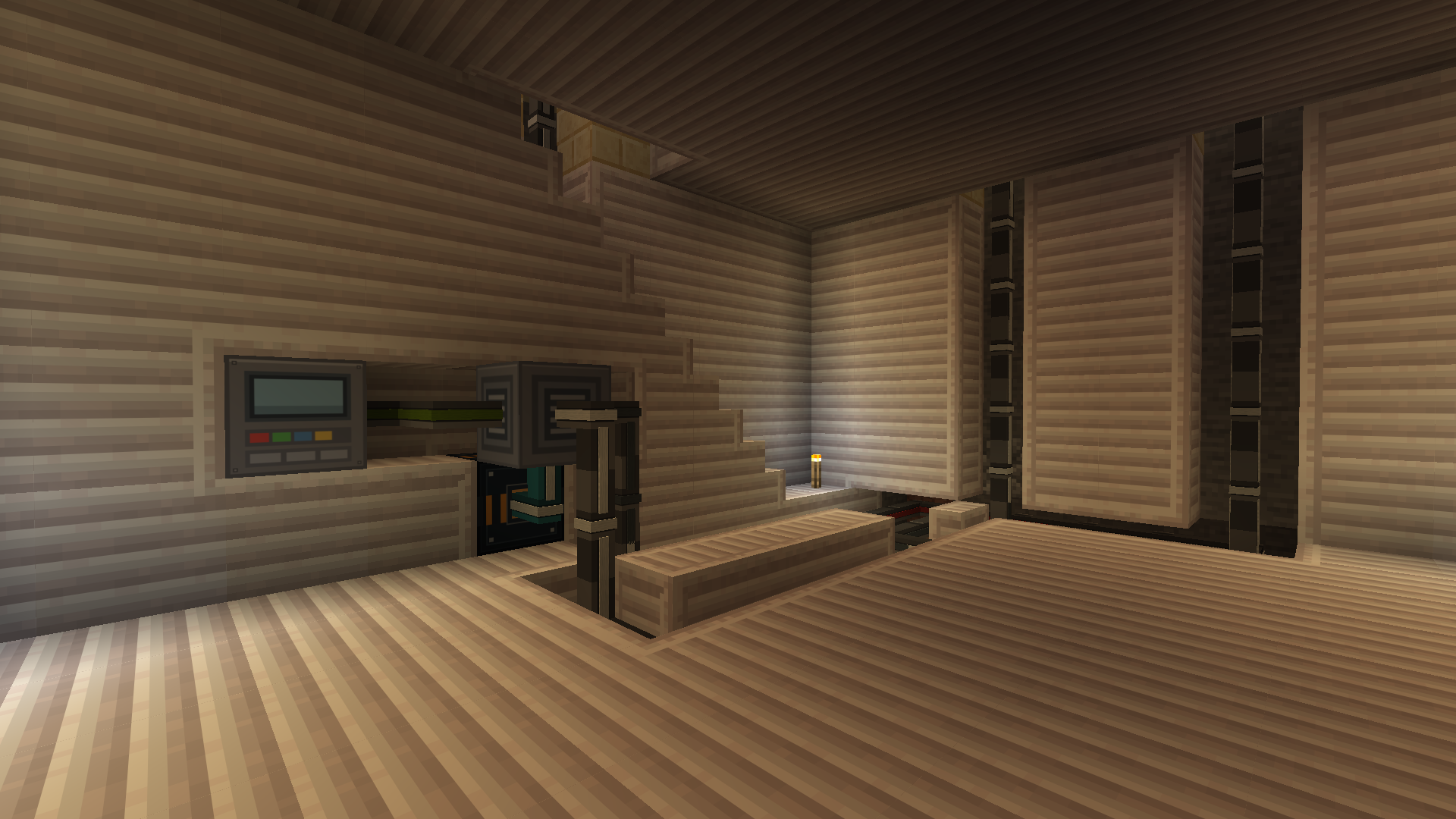
Built around connected devices, storage blocks, energy logic, and a larger desktop-style system direction.
SSD and storage focus
Designed to support structured storage ideas, device interaction, and a stronger tech-themed gameplay loop.
McOS direction
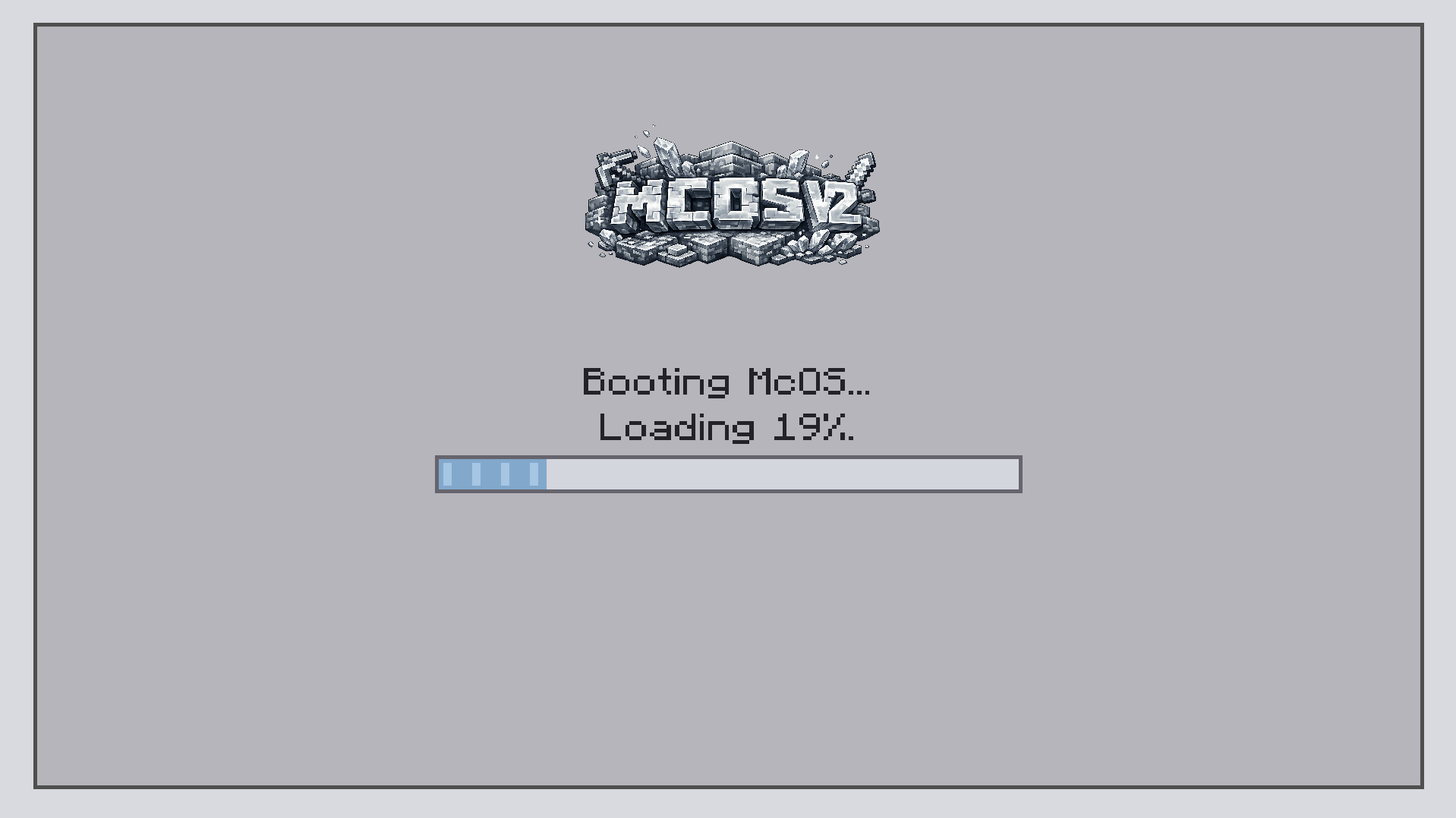
Pushes a distinctive desktop-style visual identity inside Minecraft instead of generic machine GUIs.
Gallery
Details
About and installation
Overview
PCI-MINI is the most system-heavy project in the lineup. It aims to create a connected platform of hardware-inspired blocks, storage components, and desktop-like interaction that feels bigger than just a few isolated tech blocks.
Installation
- Install the correct Forge version for Minecraft 1.21.x.
- Download PCI-MINI from its official CurseForge page.
- Place the mod file into your Minecraft
modsfolder. - Launch the game and verify the mod loads correctly.
- Some setups may also require any dependencies or companion files you use in your release package.
FAQ
Quick answers
What is the goal of PCI-MINI?
The goal is to build a deeper Minecraft tech ecosystem with connected systems, storage, interfaces, and visual identity.
Why is it part of MINI Mod Series?
Because it fits the same compact brand idea: smaller focused mods that still look like part of one family.
Where should players download it?
Use the official CurseForge page linked above so players always get the right release version.