Alpha
CEP-MINI
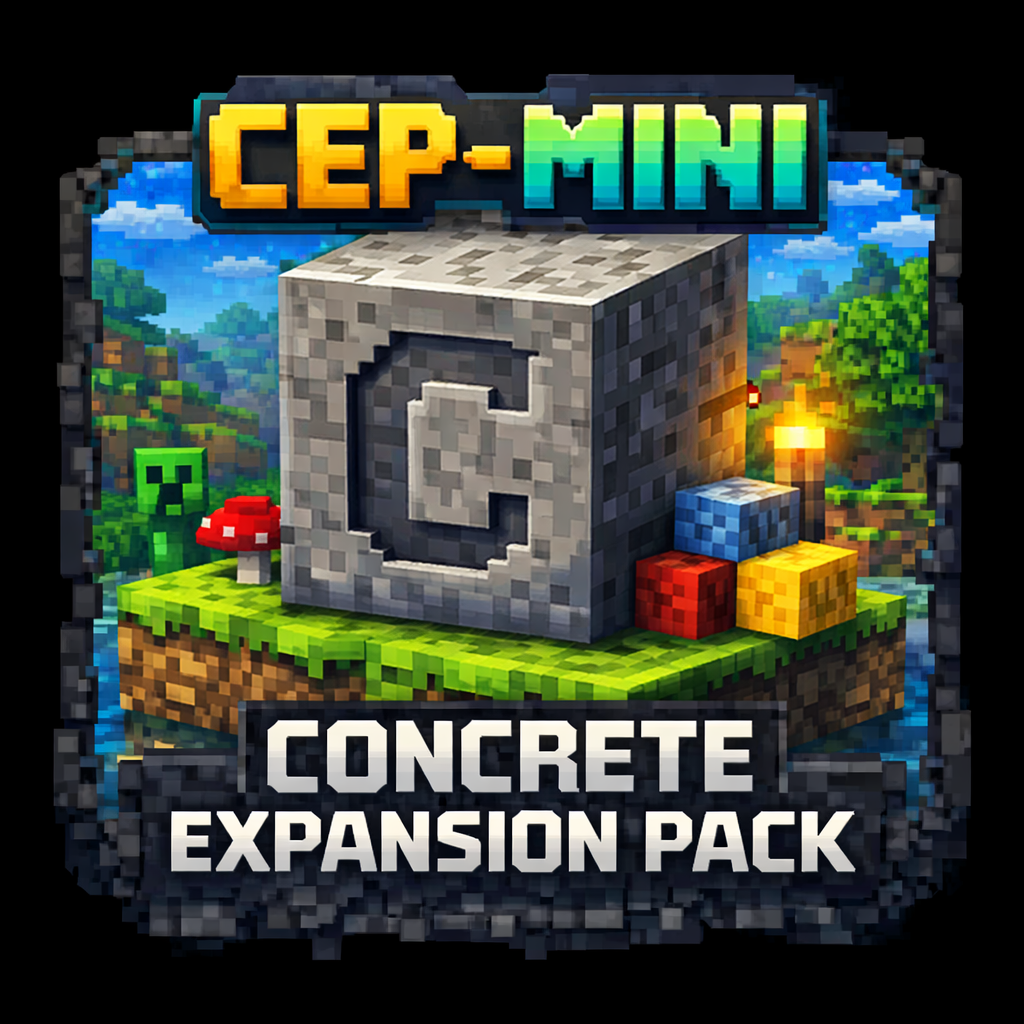
A concrete expansion pack that extends building possibilities with more variants, cleaner style, and construction-ready content.
Core Features
What this mod focuses on
More concrete options
Expands what players can do with concrete-themed building materials and related decorative choices.
Construction focus
Aimed at builders who want more clean, modern, and color-friendly block combinations.
Series consistency
Keeps the MINI lineup visually coherent while adding a more build-oriented content category.
Preview Blocks
Gallery placeholders
Replace these boxes later with real gameplay screenshots or in-game renders.
Details
About and installation
Overview
CEP-MINI is the building-focused part of the lineup. It exists to expand concrete-based creativity with extra options that feel useful in real builds rather than filler content.
Installation
- Install the correct Forge version for Minecraft 1.21.x.
- Download CEP-MINI from its official CurseForge page.
- Place the mod file into your Minecraft
modsfolder. - Launch the game and verify the mod loads correctly.
- For clean player setup, keep installation steps simple and point all updates to the official release page.
FAQ
Quick answers
What is the goal of CEP-MINI?
It gives builders more concrete-centered content and better creative flexibility for structured builds.
Why is it part of MINI Mod Series?
Because the series is not locked to one theme; it connects focused mods under one cleaner brand umbrella.
Where should players download it?
Players should use the official CurseForge page so they always download the intended version.